

Official BestXX App — Android and iOS
Download BestXX through the confirmed Google Play or Apple App Store listing. Verify the publisher before installing and use only links provided on BestXX.com.


Verify the publisher or developer shown in the linked app-store listing before installing.
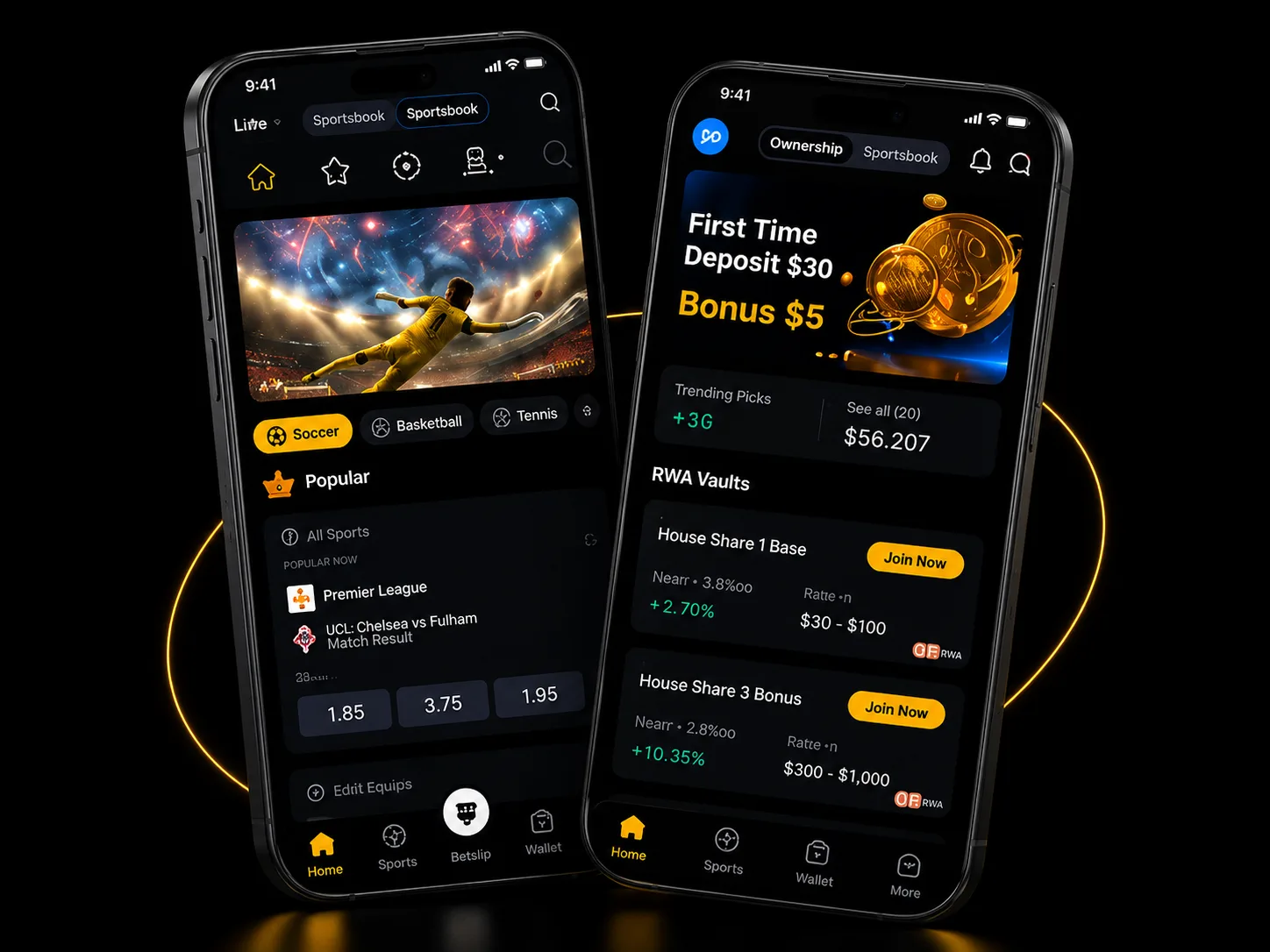

Official download warning
Download BestXX only from official stores. Third-party APK files may contain malware designed to steal account credentials or funds.
One app, two product areas
Switch between Sportsbook and Ownership while keeping your account, wallet, and familiar navigation in one experience.
Follow sports markets in the app
Browse markets, open live events, manage selections, and review sportsbook activity.
Learn about Sportsbook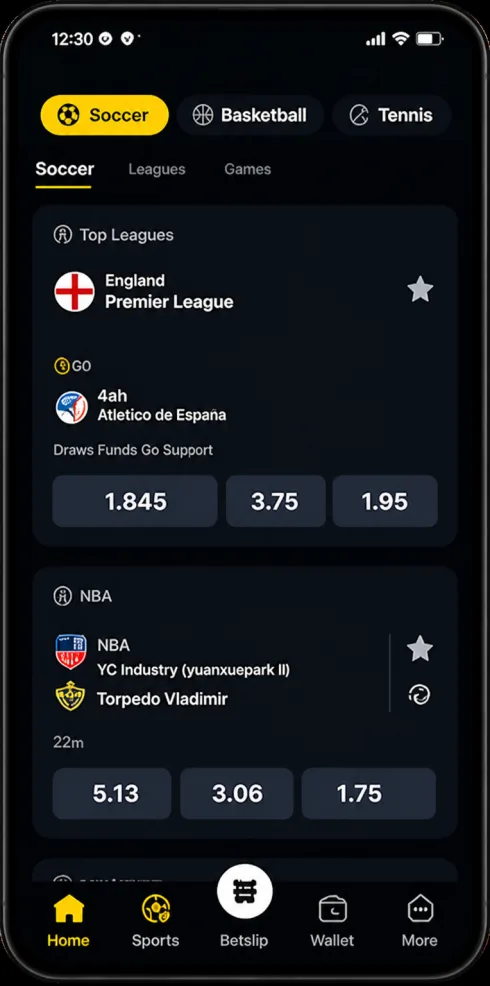
Review the Ownership product area
Access product cards, account activity, availability, and terms from the Ownership tab.
Learn about Ownership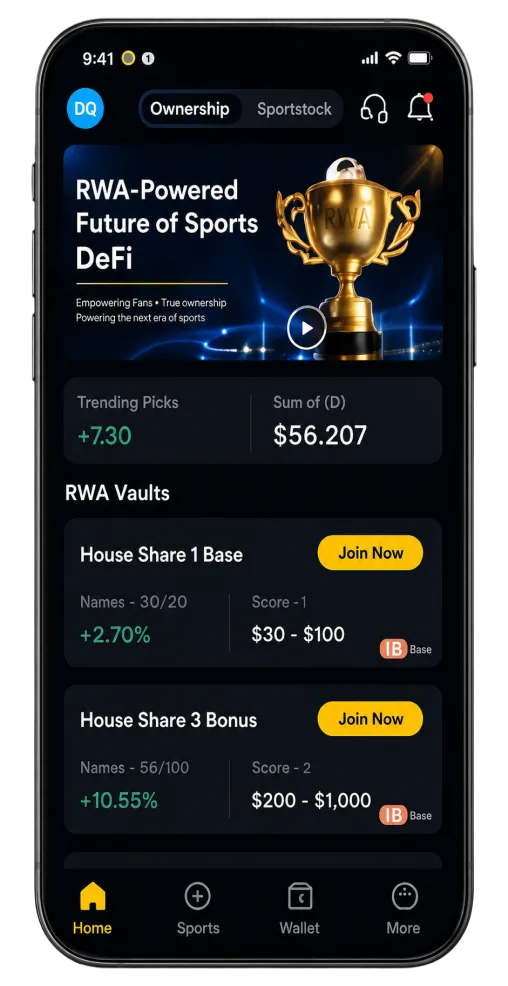
What you can expect from the official app
Clear store routes, verified publisher details, and direct access to trust and support.
Confirmed download route
Direct store links only after destination verification.
Clear product modes
Sportsbook and Ownership remain easy to distinguish.
Mobile-first navigation
Readable cards and familiar bottom navigation.
Trust and support access
Links to verified Trust Center and support routes.
How to download BestXX
Use this four-step flow on desktop and mobile. Store destinations remain disabled until confirmed.
Open the official App page
Start from BestXX.com/app, not an unsolicited link.
Select your device
Choose Android (Google Play) or iOS (App Store).
Verify the publisher
Check the publisher shown in the store listing before installing.
Install and review access
Install the app and sign in through the official routes only.